How a single file upload gave me my college's entire server
A grievance form that took any file, a debug flag left on, and one over-broad route — chained into remote code execution, the full source, the database, and the administrator's login. Found, reported, and patched.
My college runs its entire public website — admissions, notices, the grievance portal, all of it — on a single Django application. One evening I started poking at it the way I poke at most things: not to break it, but to understand how it was built. A few hours later I had command execution on the server, a copy of the source code, the full database, the administrator's cracked password, and a working bypass for their two-factor login. I could have defaced the homepage or quietly walked away with every record in it.
I did neither. I wrote everything up in a formal report and sent it to the people who run the site so they could fix it — which they did. This is the story of how one unrestricted file upload snowballed into a complete takeover, and the very ordinary misconfigurations that made each step possible.
Everything below is either already patched or redacted. No live secret, credential, or student record appears in any screenshot. This is a lessons-learned writeup, not a how-to.
The whole chain, start to finish, looked like this:
flowchart TD
    A["anonymous file upload<br/>a grievance form accepts any file"] --> B["remote code execution<br/>.aspx web shell runs on IIS"]
    B --> C["DEBUG=True leak<br/>SECRET_KEY, paths, full route map"]
    C --> D["arbitrary file read<br/>one route serves the whole project dir"]
    D --> E["exfiltrate db.sqlite3 + settings.py<br/>no authentication required"]
    E --> F["crack admin hash + forge TOTP<br/>from the leaked 2FA seed"]
    F --> G["full admin · full source · full database<br/>site defacement possible"]
1. It started with a file upload
The site has a grievance form that lets anyone attach a file. The problem: it accepted any file — no extension check, no content check, nothing. On a Windows server running IIS, that is close to the worst case, because IIS will happily execute certain server-side file types. I uploaded a tiny .aspx web shell, and the moment the server rendered it, I had a text box on a web page that ran commands on the machine behind it.
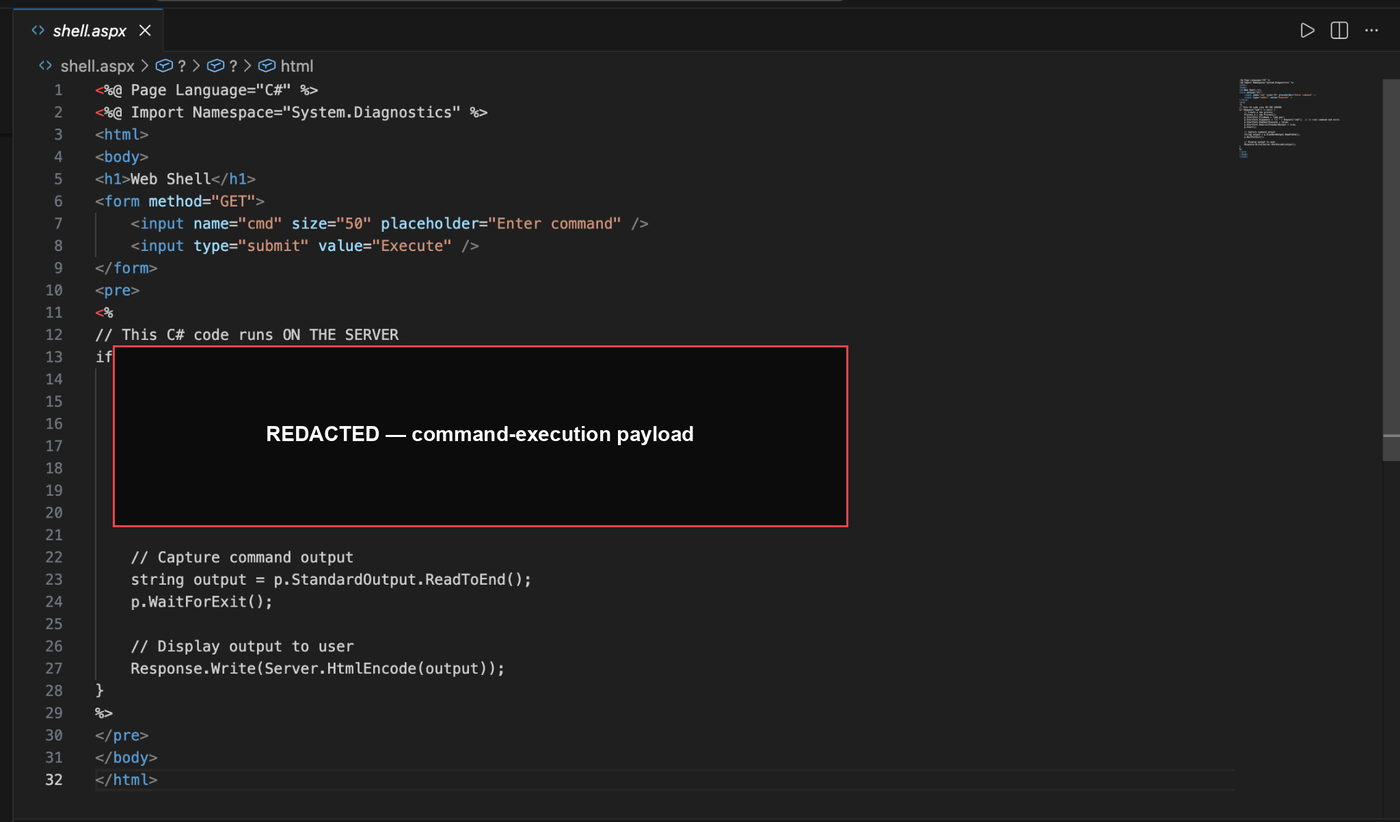
That is remote code execution: arbitrary commands on the server, from an anonymous upload. Everything after this point is just me being thorough.
2. DEBUG = True handed me the blueprints
Django ships a debug mode that renders a rich error page when something breaks — stack traces, settings, request data. It is a lifesaver while developing and a disaster in production, because those pages leak the application's internals to anyone who can trigger an exception. This site was running DEBUG = True in production.
A single malformed request was enough to spill a debug page listing the SECRET_KEY, the database path, the installed apps, the middleware stack, the entire URL routing table, and environment variables. One screen, and I had a map of the whole application.
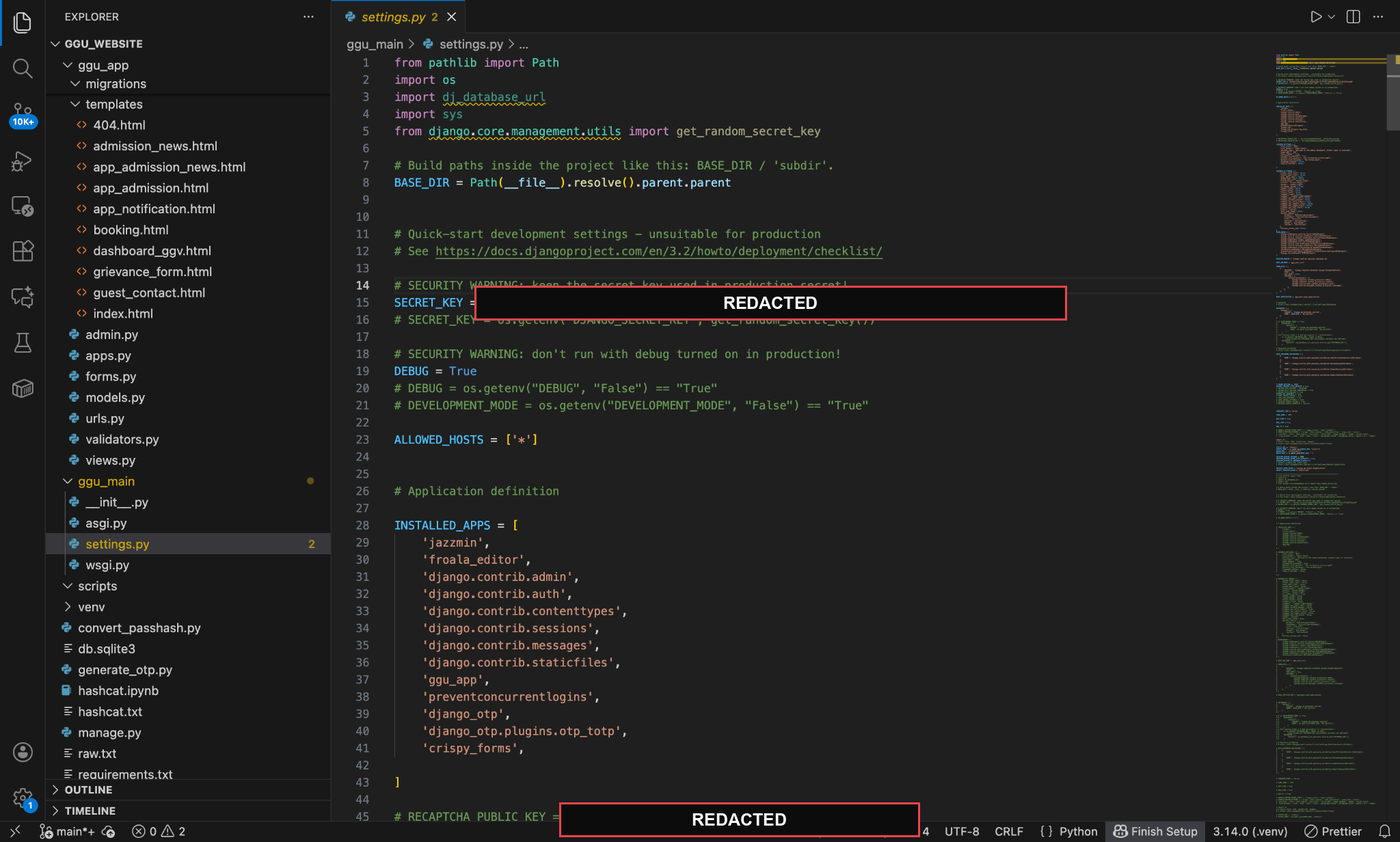
3. Reading any file on the server, no login required
That route map pointed straight at the real prize. One URL pattern was wired to Django's static file server, but pointed at the project root and set up to capture any path handed to it. Translated into plain English: give it a filename, and it gives you the file — no authentication, no path restriction. So I asked it for the two files that matter most:
db.sqlite3— the entire database: every user and admin account.settings.py— theSECRET_KEY, email credentials, and crypto keys, in plaintext.
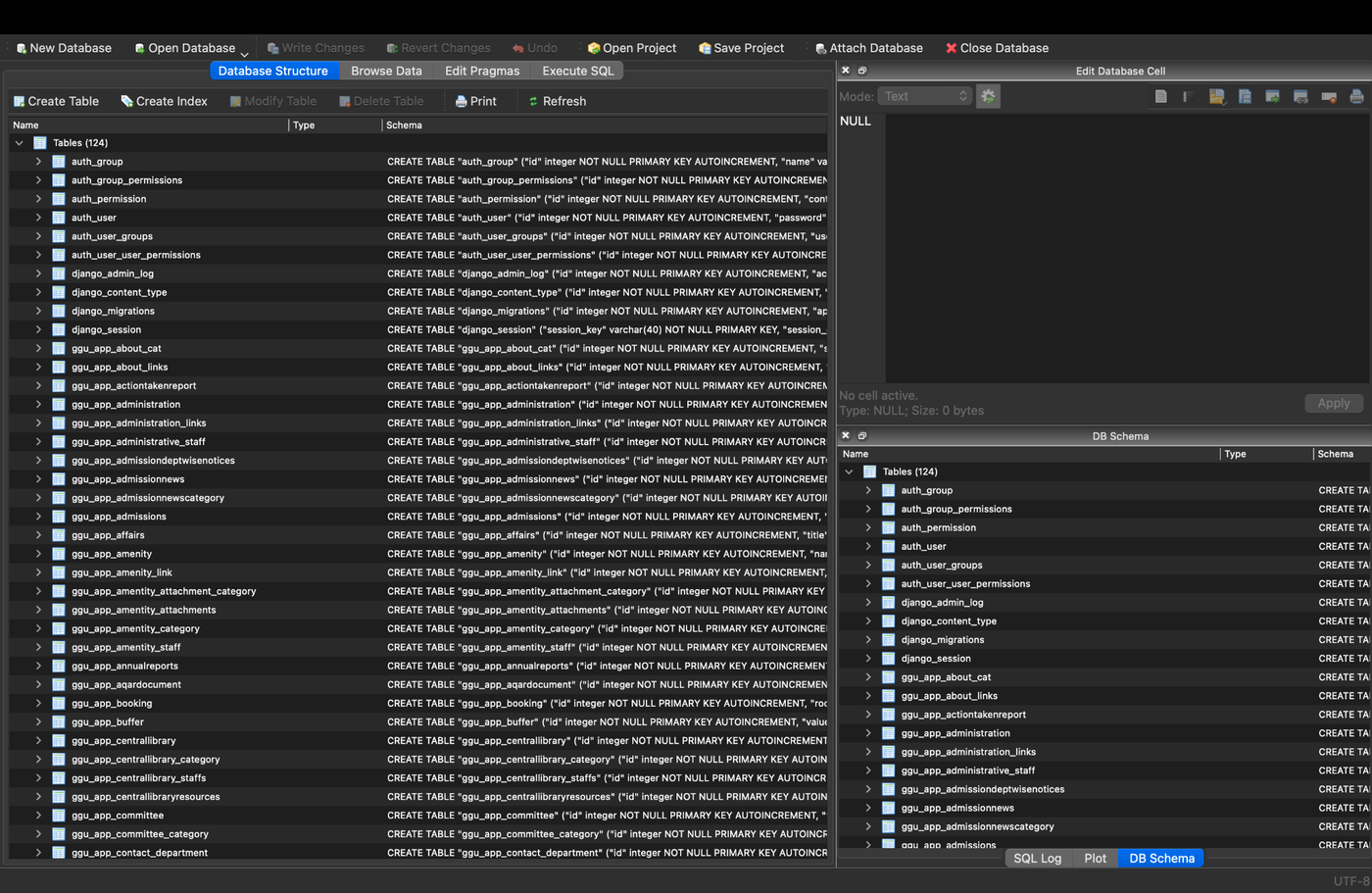
4. From the database to the admin's account
Django stores passwords as salted PBKDF2 hashes, which is the correct thing to do. But the administrator's password was weak enough that a few minutes of Hashcat turned the hash back into plaintext.

The account was protected by two-factor authentication — a time-based one-time code (TOTP), the kind an authenticator app produces. Normally that stops you cold even with the password. But the seed those codes are derived from was sitting in the database I had already downloaded. With that seed, generating valid codes on my own laptop was a twenty-line script — and it would keep working indefinitely.
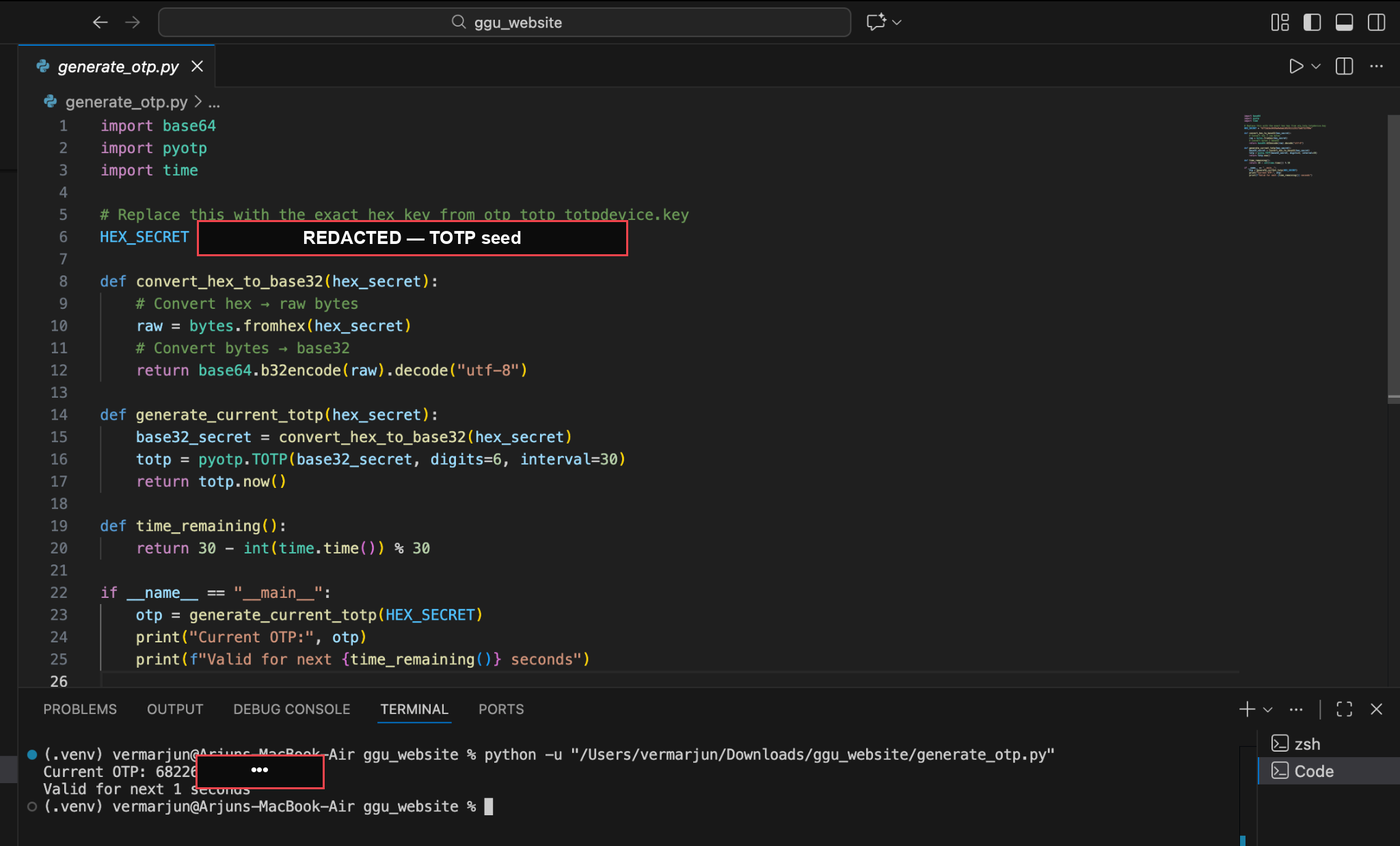
Password plus a self-serve code generator meant I could sign in as the administrator whenever I liked.
5. What "full admin" actually meant
Inside the dashboard I had the run of the place: edit or delete any content, tamper with records, and — since I already had code execution and the source — rewrite the running application itself. The dashboard also surfaced more SQL-injection and stored-XSS issues, each of which could have been its own writeup. At that point the tally read:
- Remote code execution on the server
- The complete source code
- The entire database
- The administrator account
- The ability to rewrite the site itself
Confidentiality, integrity, availability — all three, gone. In a report you label that "Critical, 10/10." In plain English: whoever found this owned the site.
Why I reported it — and what actually fixes it
The entire point of learning this is to be the person who finds the bug before someone who would abuse it does. So I stopped, wrote a full report with reproduction steps and impact, and handed it to the people who run the site. It has since been fixed.
None of the fixes are exotic. Every link in this chain breaks with a boring, well-known control:
- Validate uploads — whitelist extensions and content types, and never let a user drop an executable file into a web-served directory.
- DEBUG = False in production — and load
SECRET_KEYfrom an environment variable, not a hardcoded string. - Scope your file-serving routes — never point a public static server at the project root.
- Keep secrets out of the database's blast radius — a leaked DB should not also surrender the keys that protect it, TOTP seeds included.
- Patch the framework — this was an end-of-life Django carrying known CVEs.
None of this needed a clever zero-day. It was a stack of small, individually-forgivable defaults — an unchecked upload, a debug flag, one over-broad route — that lined up into a total compromise. That is almost always how it goes.
I also posted a shorter version of this on LinkedIn.